

 has the facebook


NVIDIA GeForce RTX
GeForce RTX
40 Series Laptops
BEYOND FAST
GeForce RTX™ 40 Series Laptop GPUs power the world's fastest laptops for gamers and creators. Built with the ultra efficient Ada Lovelace architecture, RTX 40 Series laptops feature specialized AI Tensor Cores, enabling new AI experiences that aren't possible with an average laptop. Enjoy a quantum leap in performance with DLSS 3 and lifelike virtual worlds with full ray tracing. Plus AI‑powered Max‑Q technologies optimize system performance, power, battery life, and acoustics for peak efficiency.

Shop NVIDIA Gaming Laptops
The Ultimate Platform for Gamers and Creators
GeForce RTX 40 Series—Unmatched AI and DLSS 3
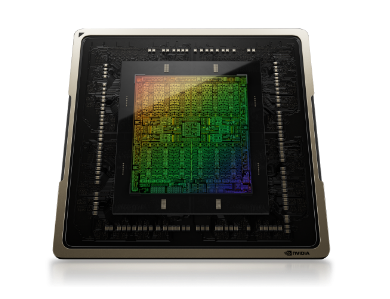
New Streaming Multiprocessors
Up to 2x performance and power efficiency
Fourth-Gen Tensor Cores
Up to 4x performance with DLSS 3 vs. brute-force rendering
Third-Gen RT Cores
Up to 2x ray tracing performance

Cutting‑Edge Laptop GPUs
NVIDIA Ada Lovelace architecture

AI‑Accelerated Performance
NVIDIA DLSS 3

Optimized Power and Performance
NVIDIA Max-Q Technologies

Realistic and Immersive Graphics
Dedicated Ray Tracing Cores

Fast‑Track Your Creativity
NVIDIA Studio

Game‑Winning Responsiveness
NVIDIA Reflex low‑latency platform

Performance and reliability
Game Ready and Studio Drivers

AI‑Enhanced Voice and Video
NVIDIA Video Super Resolution and Broadcast
NVIDIA DLSS 3
Max FPS. Max Quality. Powered by AI.
DLSS is a revolutionary breakthrough in AI‑powered graphics that massively boosts performance. Powered by the new fourth‑gen Tensor Cores and Optical Flow Accelerator on GeForce RTX 40 Series Laptop GPUs, DLSS 3 uses AI to create additional high‑quality frames and improve image quality.
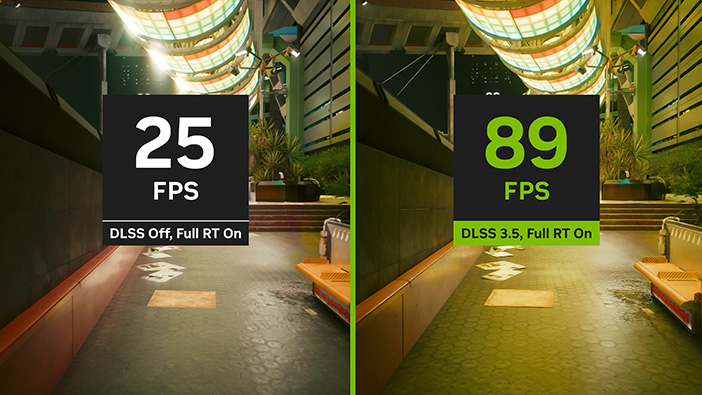
*Performance numbers shown based on built-in game benchmark average with GeForce RTX 4090 Laptop GPU at 2560x1440 resolution, DLSS 3.5 with Super Resolution Balanced mode, highest game settings and RT Overdrive mode. Performance will vary by laptop model; check with the manufacturer for their particular model and specifications.

Further With AI,
Faster on RTX
Get unmatched AI performance on GeForce RTX.
Discover the RTX AI advantage. Built for the era of AI, GeForce RTX™ GPUs feature specialized AI Tensor Cores that deliver cutting-edge performance and revolutionary capabilities. From enhanced creativity and ultra-efficient productivity to blisteringly fast gaming, the ultimate in AI power on Windows PCs is on RTX.

Ray Tracing
Hyperrealistic. Hyperfast.
The Ada architecture unleashes the full glory of ray tracing, which simulates how light behaves in the real world. With the power of RTX 40 Series Laptops and third-gen RT Cores, you can experience incredibly detailed virtual worlds like never before.

NVIDIA Max-Q Technologies
Optimised Power and Performance
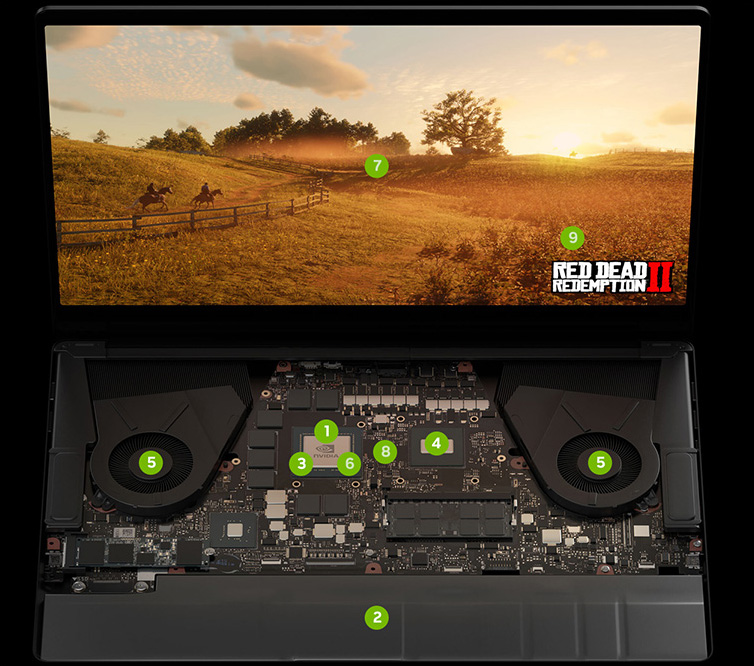
NVIDIA Max-Q is a suite of AI-powered technologies which optimize every aspect of a laptop‑the GPU, CPU, memory, thermals, software, display, and more‑to deliver powerful devices that are thin and quiet with great battery life.
Key Technologies:
- Dynamic Boost uses AI to automatically deliver the optimal power between the GPU, GPU memory, and CPU to boost performance.
- Battery Boost finds the optimal balance of GPU and CPU power usage, battery discharge, image quality, and frame rates for longer battery life.
- Rapid Core Scaling scales the optimal number of cores and operates them at higher frequencies, delivering more performance for intensive creative work and STEM apps while on-the-go.
- CPU Optimizer enables the GPU to optimize the performance, temperature, and power of the CPU.
- WhisperMode uses AI-powered algorithms to manage the fan speeds in conjunction with the CPU, GPU, and system temperatures to deliver great acoustics and the best possible performance.
- DLSS 3 uses AI to provide a massive performance boost.
- Advanced Optimus delivers long battery life plus the tear free gameplay of G-SYNC.
- Resizable BAR enables the CPU to access the entire GPU frame buffer at once, improving performance in games.
- Optimal Playable Settings finds the best balance of performance and image quality. Then automatically configures personalized graphics settings based on the PC's GPU, CPU, and display.
NVIDIA Reflex
Victory Measured in Milliseconds
NVIDIA Reflex delivers the lowest latency (ms) and best responsiveness for the ultimate competitive advantage. Built to optimize and measure system latency, Reflex provides faster target acquisition, quicker reaction times, and the best aim precision for competitive games.
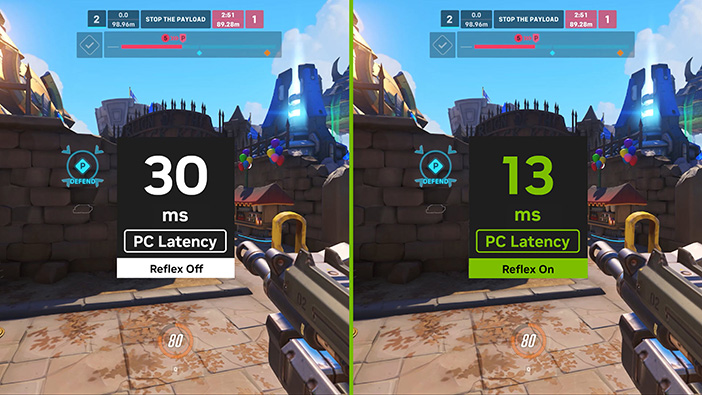
*PC latency numbers shown based on a GeForce RTX 4050 Laptop GPU at 1920x1080 resolution, max settings. PC latency will vary by laptop model; check with the manufacturer for their particular model and specifications.

Top Tools for the Creative Trade
NVIDIA Studio
Your Ideas, Accelerated by NVIDIA Studio
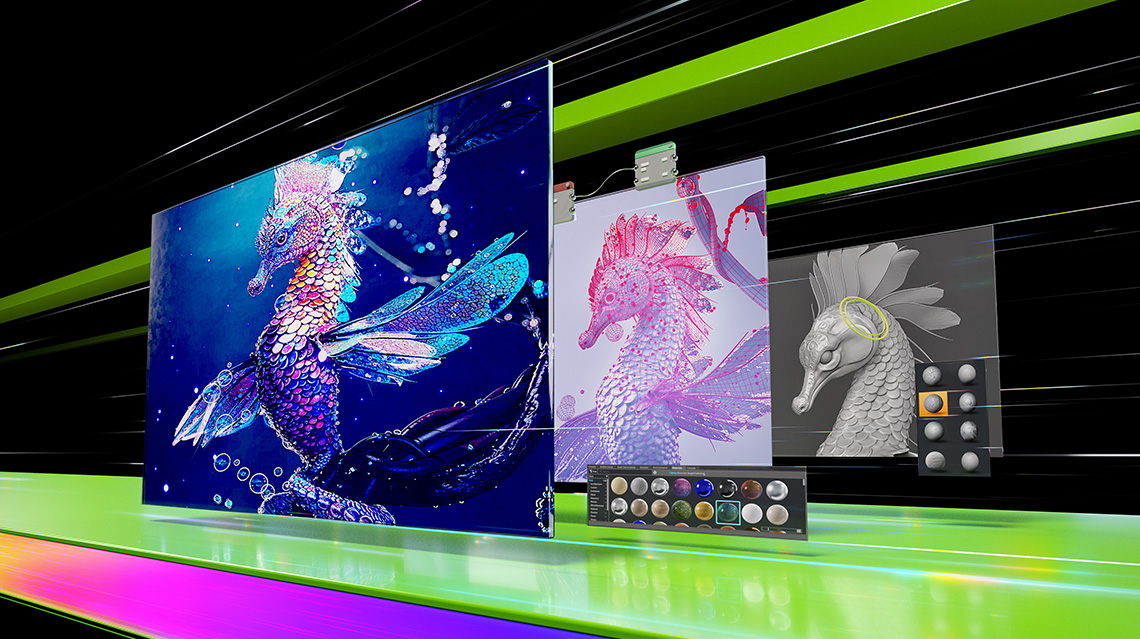
Take your creative projects to the next level with NVIDIA Studio. Powered by new dedicated ray-tracing and AI hardware, RTX 40 Series unlocks unmatched laptop performance in 3D rendering, video editing, and graphic design. Experience feature-rich RTX accelerations in top creative apps, world-class NVIDIA Studio drivers engineered to provide maximum stability, and a suite of exclusive tools that harness the power of RTX for AI-assisted creative workflows.
NVIDIA Encoder
The Dream Stream
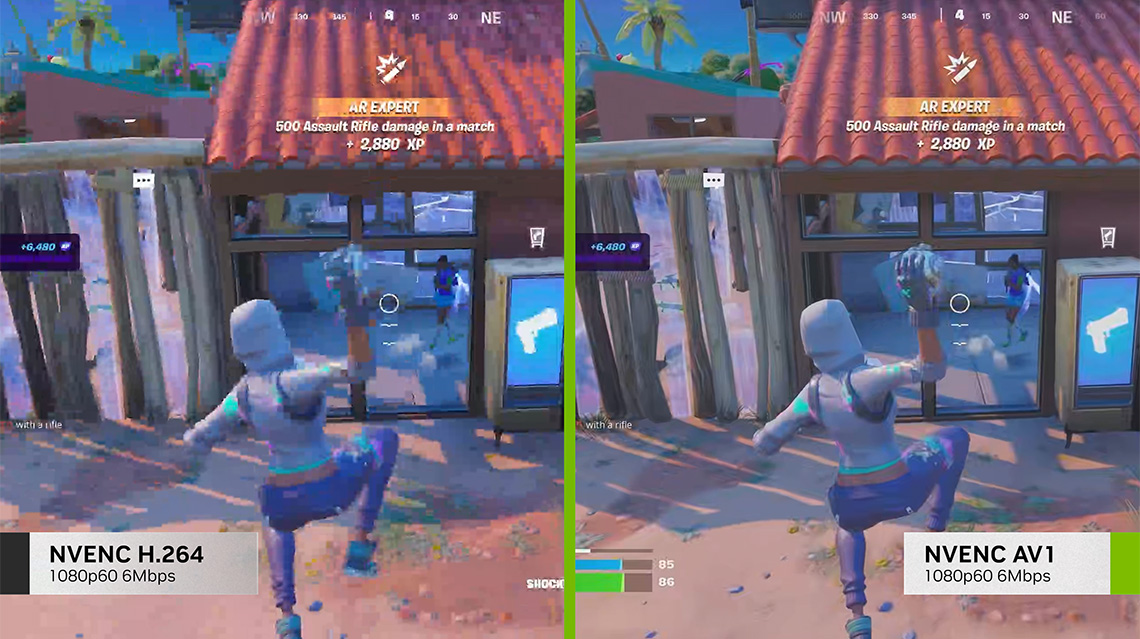
Steal the show with the best live streaming quality and the highest gaming performance. Powered by the eighth-gen NVIDIA Encoder (NVENC), GeForce RTX® 40 Series ushers in a new era of high-quality broadcasting with AV1 encoding support, engineered to deliver greater efficiency than H.264, unlocking glorious streams at higher resolutions. Plus, access exclusive optimizations and AI effects in your favourite broadcasting apps and give your audience your best‑every time.
NVIDIA Broadcast
Your AI-powered Home Studio
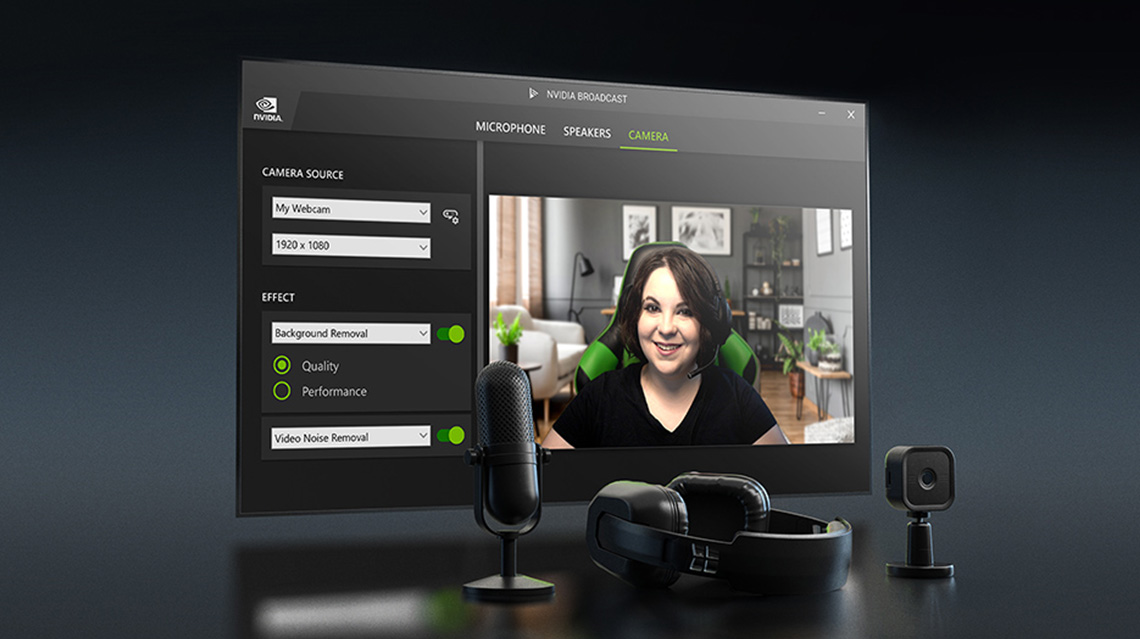
The NVIDIA Broadcast app transforms any room into a home studio—taking your live streams, voice chats, and video calls to the next level with powerful AI effects like noise and room echo removal, virtual background, and more.

NVIDIA Omniverse
Connect Your Creative Worlds to a Universe of Possibility
NVIDIA Omniverse™ is a 3D design collaboration platform within the NVIDIA Studio suite of tools for creators. Built to accelerate workflows and unite apps and assets to bring your ideas to life—fast.
RTX 4060 Laptop GPU or above recommended for NVIDIA Omniverse

NVIDIA Canvas
The App That Puts the AI in Painting
Use AI to turn simple brushstrokes into realistic landscape images with NVIDIA Canvas. Create backgrounds quickly, or speed up your concept exploration, so you can spend more time visualizing ideas.

RTX: The STEM Accelerator
NVIDIA GeForce RTX™ 40 Series laptops supercharge studies for STEM students. Powerful NVIDIA GPUs accelerate the top student applications in engineering, architecture, computer science, data science, economics, and more. With GeForce RTX, students can get out of the computer lab and work from anywhere, finish coursework faster, and study, create, and play, all on the same laptop.
Additional Features and Benefits

Game Ready Drivers
GeForce Game Ready Drivers deliver the best experience for your favourite games. They're finely tuned in collaboration with developers and extensively tested across thousands of hardware configurations for maximum performance and reliability.
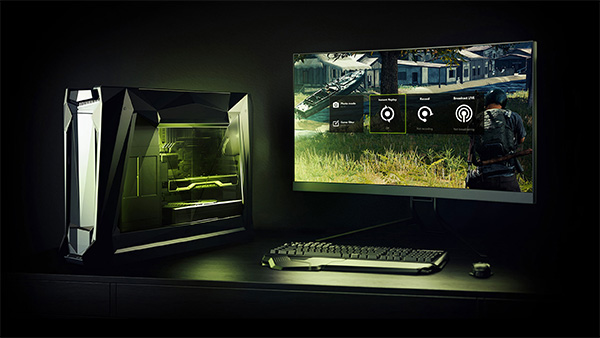
GeForce Experience
Capture and share videos, screenshots, and live streams with friends. Keep your drivers up to date and optimize your game settings. GeForce Experience lets you do it all. It's the essential companion to your GeForce graphics card.
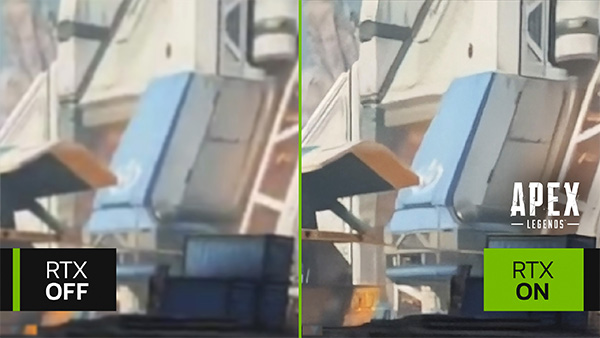
RTX Video Super Resolution
RTX Video Super Resolution automatically enhances videos played in your Chrome or Edge browser using state-of-the-art AI algorithms to sharpen images and remove blocky and distracting compression artifacts. Enjoy crystal-clear video with up to 4K resolution.
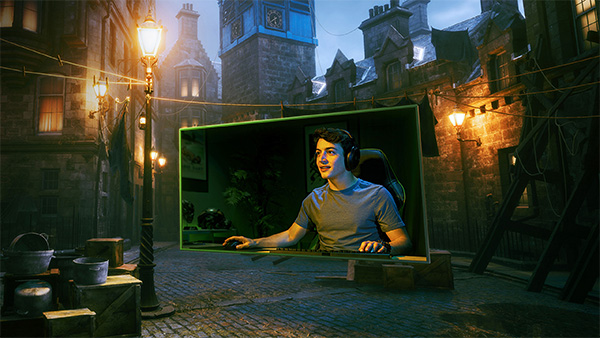
NVIDIA G-SYNC
Get smooth, tear-free gameplay at high refresh rates, plus HDR and more. This is the ultimate gaming display and the go-to equipment for enthusiast gamers.

Virtual Reality
The highest performance graphics deliver the smoothest, most immersive VR experiences.
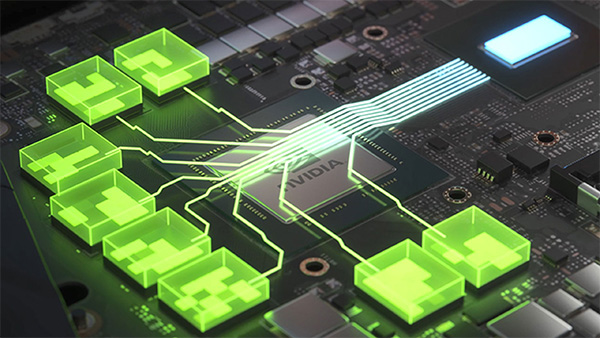
Resizable BAR
Resizable BAR is an advanced PCI Express feature that enables the CPU to access the entire GPU frame buffer at once, improving performance in many games.

© 2023 NVIDIA Corporation. NVIDIA, the NVIDIA logo, GeForce, GeForce Experience, GeForce RTX, and G‑SYNC are registered trademarks and/or trademarks of NVIDIA Corporation in the United States and other countries. All other trademarks and copyrights are the property of their respective owners.