


Gamer, content creator and uni student Izzy Ngoy has been gaming for close to a decade. “It’s a way for me to relax, connect with friends and build my skills,” he says. In that time, he’s learned a thing or two about what makes a really great gaming setup, so we asked him to take us through some of his top picks for elevating your gaming gear before your next marathon session.
“My advice for anybody else who wants to build the ultimate gaming setup is to invest in comfort and performance,” he says. “It makes a huge difference, especially if you’re going to be gaming for hours.”

Choose the Right Gaming Desk and Chair
“I love the ergonomic design of this Pago gaming chair – it keeps me comfortable throughout long gaming or study sessions,” says Izzy.
“The Typhoon gaming desk is great – it has built-in RGB [lights] and wireless charger, and little accessories like the headphone hanger and cup holder do make a huge difference. This desk can definitely hold a dual-monitor setup and doesn’t feel too cramped.”
SEE ALSO: How to Choose the Best Gaming Desk for You
Pair a Gaming Laptop With a Gaming Monitor
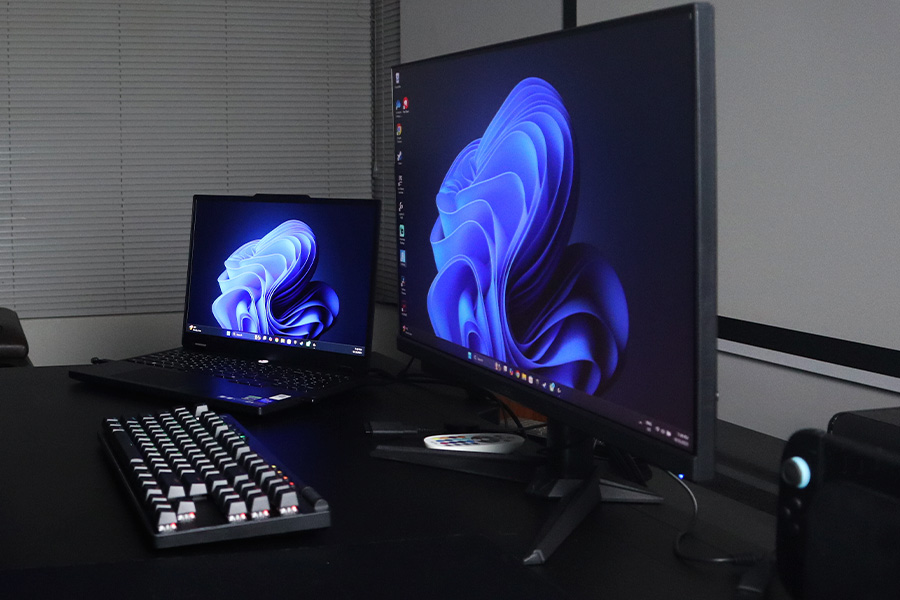
“I’m using the Lenovo Legion 5i gaming laptop with the Intel Core i9 processor and the RTX 5070 graphics card. This laptop can handle pretty much any game you throw at it, and if you want to use it for uni work, it can handle that, too,” says Izzy.
“I’ve got the laptop connected to the 24-inch Acer gaming monitor. Having multiple screens definitely helps in situations where you’re going to be studying. With the 200-hertz [refresh rate] and one-millisecond response time, you are not going to miss anything when you’re playing ‘Rocket League’, ‘Fortnite’ and other games that require your fast reaction. The convenience of two screens is having one monitor where it has the game and then your laptop screen that has Discord or maybe Spotify opened.”
SEE ALSO: How to Choose the Best Gaming Laptop for You
Have Options for Your Controls and Consoles
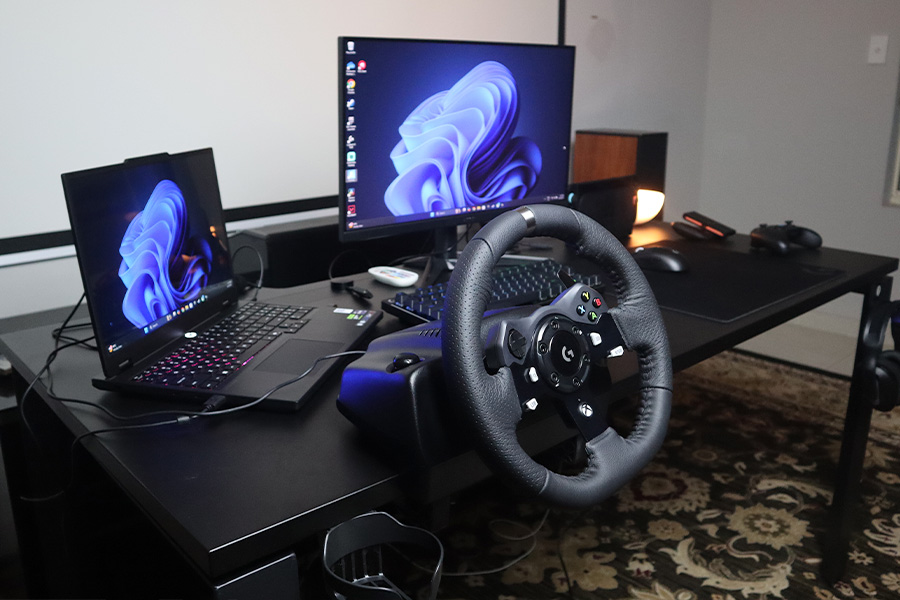
“For some games, I like to use a keyboard and mouse combo, like the Logitech G Pro X TKL wireless keyboard and the Logitech super light mouse because of its responsiveness. It’s lightweight and great for competitive gaming,” says Izzy.
“Other times I prefer the Xbox wireless controller because it feels more natural for certain games like action or sport games. Occasionally, I like to use a driving wheel like this Logitech G920 for racing games. It gives such a realistic feel, and it’s way more immersive than using a controller.”
Use a Gaming Headset for Connection
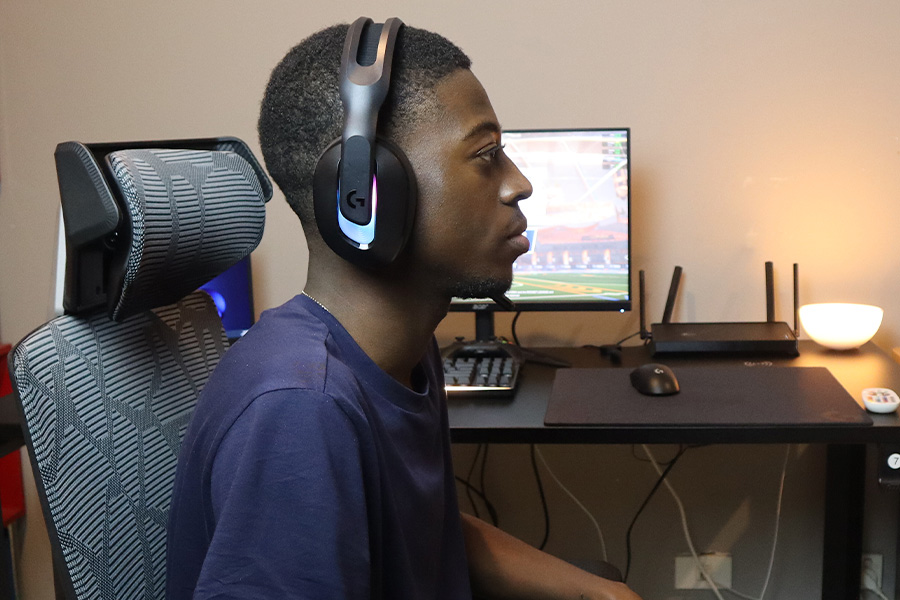
“I always play with a headset because I like being fully immersed with game audio. Plus, it helps me communicate with my teammates. The Logitech G522 wireless headset is great because it’s lightweight and wireless, and the mic picks up my voice clearly without the background noise.”
Boost Your Wi-Fi
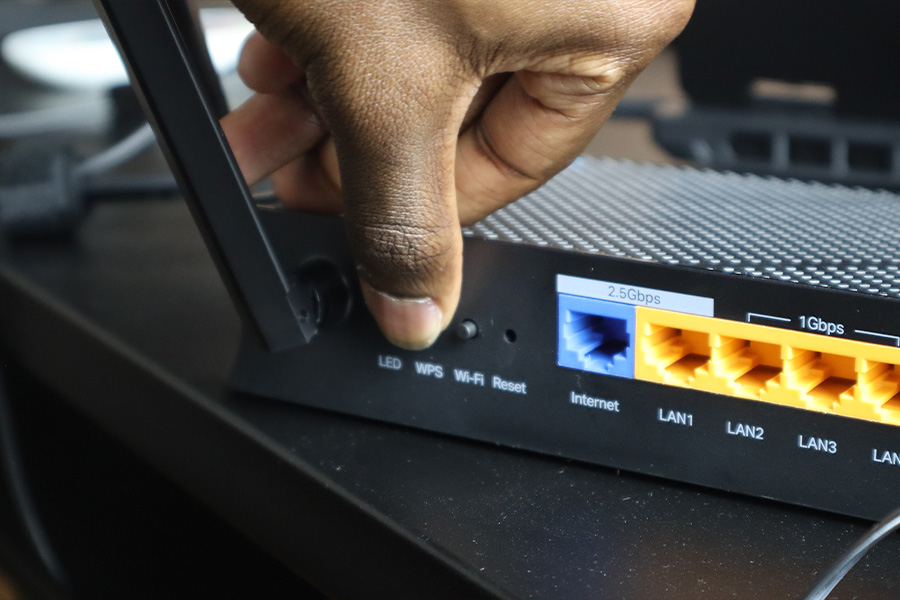
“Connectivity is also super important because dropouts can make or break a game. The TP-Link Wi-Fi 7 Router gives me fast, stable internet, and it handles multiple devices in the house at once without slowing down the gameplay.”

Don’t Forget the Vibes
“And, of course, having good lighting is important to the gaming setup. The Philips Hue Go Light is a great option because it doesn’t stand out too much, but it does make an impact in the setup.”
What to Try
- Pago Valkor Ergonomic Gaming Chair Black
- Typhoon Strike Electric Sit Stand Gaming Desk 1500mm Black
- Lenovo Legion 5i Gaming Laptop Core i7 24GB/1TB RTX 5060
- Lenovo Legion 5i Gaming Laptop Core i9 24GB/1TB RTX 5070
- Acer Nitro 24” FHD 200 Hz 1ms Gaming Monitor QG241Y X1
- Logitech G PRO X TKL LIGHTSPEED Wireless Keyboard Black
- Logitech G PRO X Superlight 2 Wireless Mouse Black
- Xbox Wireless Controller Carbon Black
- Logitech G920 Driving Wheel for Xbox Black
- Logitech G522 Lightspeed Wireless Headset Black
- TP-Link Archer BE230 BE3600 Dual-Band WiFi 7 Router
- Philips Hue Go MK2 Bluetooth White and Colour Ambience
