


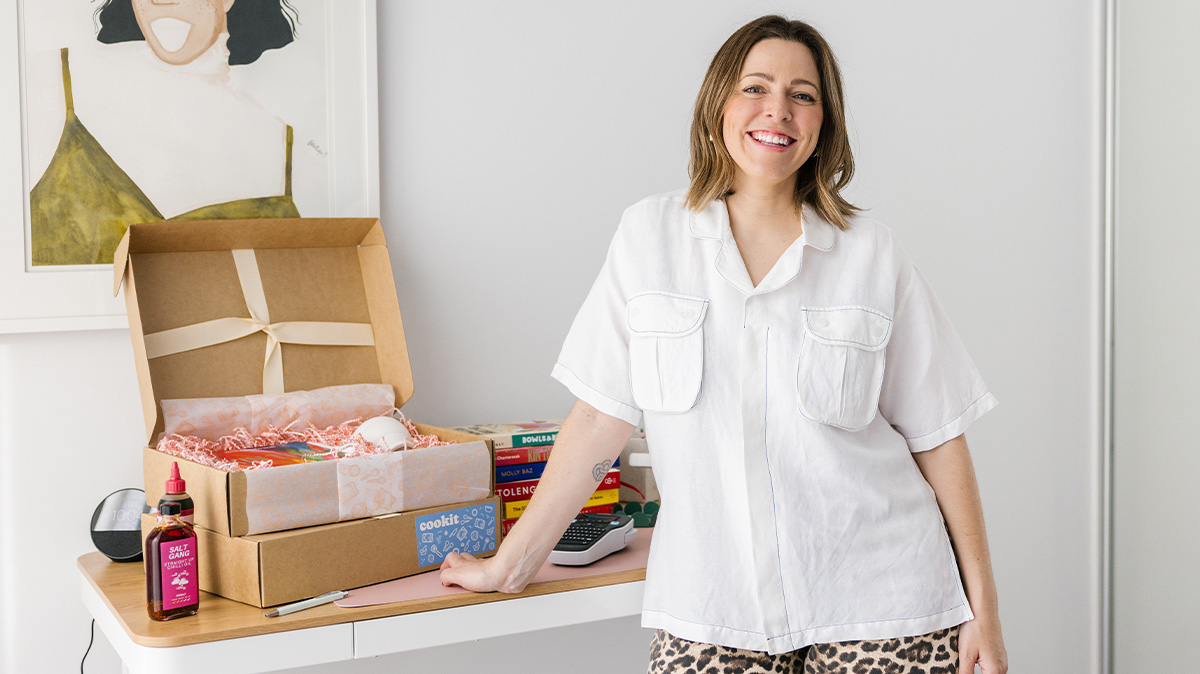
When you're juggling as many roles as Emily Lorimar, staying organised becomes essential. As a communications professional, content creator, mum and founder of Cookit Gifts, Emily has mastered the art of keeping her Adelaide home office clutter-free. “Between two jobs, family life and the usual day-to-day chaos, staying organised isn’t a luxury, it’s a survival skill,” she says.
Follow Emily’s best office organisation tips to help keep your workdays “calm, productive and under control”.
Emily’s Home Office Organisation Tips

1. Keep Your Office Distraction-Free
Emily’s workspace is “really simple.” There are no piles of paper, no clutter. Just a chair, desk and one bright artwork by her friend. She speaks about the importance of office organisation to improve productivity and “allow more brain space”. If there’s a pile of dirty washing in her peripheral reminding her of that never-ending to-do list, she’ll move it to another room to avoid getting distracted.
2. Use Two Screens to Stay on Task
Emily recommends working across two displays to boost productivity: “If you keep all the [open browser] tabs on your laptop, but look at the big screen, it helps you stay on the task at hand.”
3. Plan Phone-Free Work Blocks
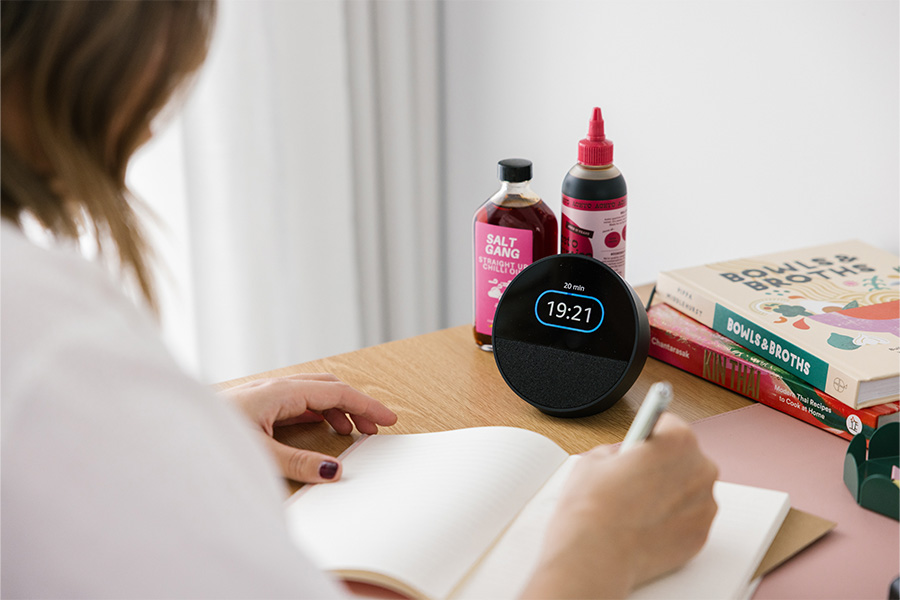
When Emily talks about removing distractions, she means everything – even phones. “My phone now lives in a drawer during work blocks. Instead, I use a smart clock as a pomodoro timer to help me work in focused sprints without getting sucked into apps or notifications,” she says. “I can still ask [the AI assistant] to set reminders or give me the weather while I stay in the zone. It’s a small change that’s helped me focus much better.”

4. Get Rid of Paperwork Piles
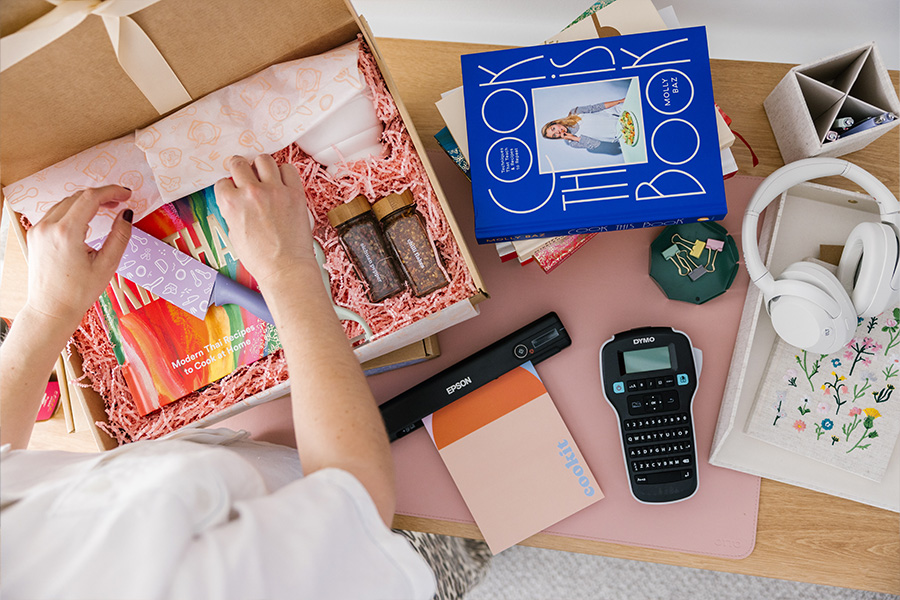
“I’ll digitise everything that can be digitised and use a portable scanner to manage all our paperwork. I scan it as soon as it comes in,” says Emily. “All bills, receipts, school notes – everything gets stored digitally, which saves my sanity during tax time and helps keep the kitchen bench clear.”
SEE ALSO: Stylists’ Guide to Transform Your Home Office

5. Label Storage Boxes
Emily’s trusty label maker gets heavy use on everything from her business inventory in her garage to pantry containers in the kitchen. “It’s especially helpful for seasonal or long-term storage so I’m not rummaging through boxes trying to remember what went where,” she says. “It keeps things in order and clears that mental load of having to remember what’s out of sight.”
6. Create a ‘No Work’ Zone
When you’re working from home, it can be hard to separate your personal life and work. Emily believes there’s one room work shouldn’t be a part of. “I try not to work from the bedroom, or try not to have my phone in there. It’s a safe space.”
She charges her phone overnight in another room using a wireless charging dock and has a simple desk clock to check the time without the distractions on her phone. “I also keep a notepad and pen nearby as my best ideas often come late at night and writing them down helps me sleep better and remember what actually matters in the morning. This setup has helped me fall asleep faster and wake up without the instant distraction of a screen, and my phone tells me my screen time has reduced dramatically.”
SEE ALSO: Cardigang’s 7 Tips to Improve Workplace Productivity
7. Upgrade Tech Regularly
“Every couple of years I upgrade my phone and use the Officeworks tech trade-in service. It’s quick and hassle-free and I get instant credit towards my new device,” says Emily. “It means I can stay up to date with the tech I need without the stress of reselling or figuring out what to do with my old phone. It’s one less thing to think about and a smarter way to manage upgrades.”
SEE ALSO: Which Work Phone Is Right for You?

