


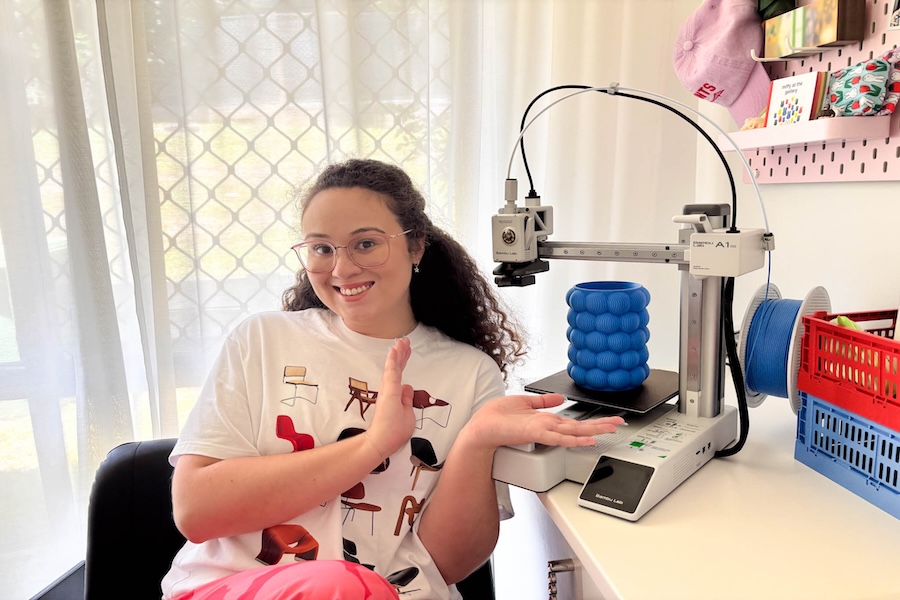
Thought about experimenting with a 3D printer, but not sure where to start? The Bambu Lab A1 mini 3D Printer is beginner friendly, says DIY enthusiast Julia Langton.
“This was my first time using a 3D printer. I’ve always wanted to learn how to use one but felt a bit overwhelmed by choice, so the A1 Mini definitely seemed like the perfect introduction,” she says.
“After purchasing my first home a few years ago, I became obsessed with renovating and decorating my space with unique and colourful pieces. This passion project isn’t exactly the cheapest of hobbies, so I am super excited to start creating my own decor pieces from the comfort of my [home] office.”
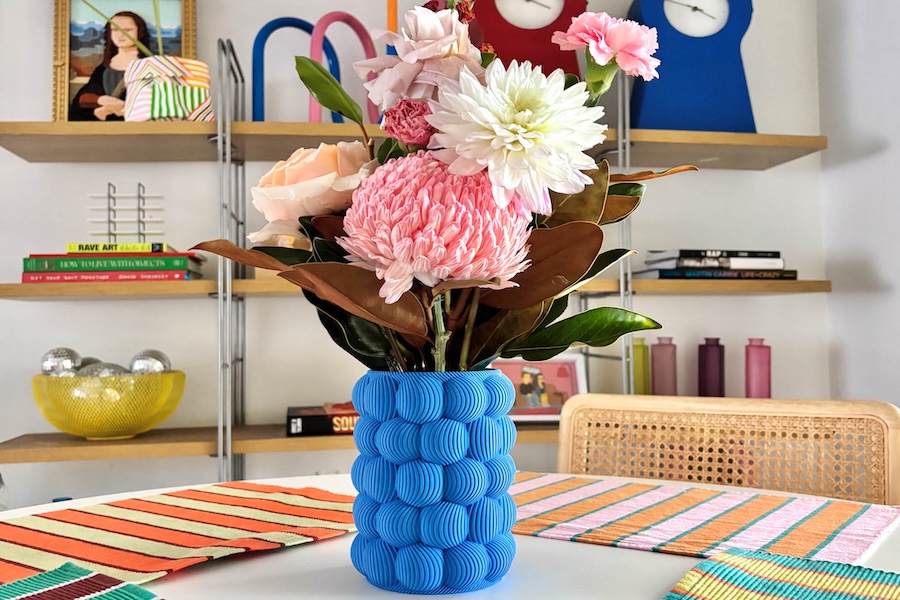
Julia used the Bambu Lab Marine Blue Matte PLA filament to create a simple and stunning vase to match her home decor.
How Do I Get Started With the Bambu Lab A1 mini 3D Printer?
“Inside the box is the 3D printer – there is an entire range of coloured filaments available in-store and online at Officeworks.
“I was impressed with how compact the printer is – it fits perfectly on the corner of my desk and looks sleek and modern. It comes pre-assembled and pre-tuned, so there’s no parts to fiddle around with. It took around 20 minutes to set up for the first print.”
SEE ALSO: How to Make Textured Art That’s Truly Unique
How Do I Control 3D Prints on the A1 mini?
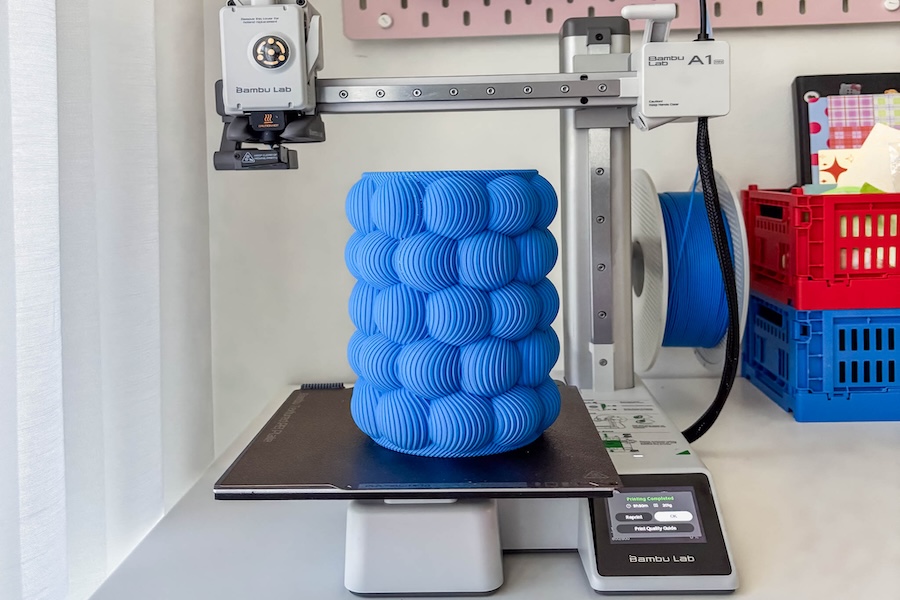
“You can control the print in two ways: either with the touch screen on the printer, or using the Bambu Handy app. I used the app. To get started I downloaded the Bambu Handy app on my phone and created an account to save all of my favourite designs. The app syncs automatically with my A1 mini and with the free MakerWorld platform – making my first print experience seamless.
“Tapping the ‘‘Prepare To Print’ button. This shows the exact amount of filament it will require, as well as how long it will take to print.”
SEE ALSO: My Tech Must-Haves With To Be Read Book Club

How Do I Load Filament into the Bambu Lab A1 mini?
“To load the filament, you simply hang the spool and thread the filament through the tube. For this design, I used the Bambu Lab Marine Blue Matte PLA filament. This printer is also compatible with other filament types like PETG and TPU.”
Hot Tip: PLA (polylactic acid) filament is made from renewable plant materials like corn starch or sugarcane and it’s ideal for decorative items and detailed models; PETG (polyethylene terephthalate glycol) is the same plastic used to make water bottles but modified with glycol to make it stronger and less brittle. This makes it a great option for making functional parts that need extra durability like containers or mechanical components; TPU (thermoplastic polyurethane) is a rubber-like elastic material that’s perfect for flexible prints like phone cases or grips.
“If you want to print with multiple colours at the same time, the printer is also compatible with the Automatic Material System that’s sold separately, but I’m just focusing on one today.”
SEE ALSO: Real Review: Wacom Intuos Pro
How Fast is the Bambu Lab A1 mini Printer?
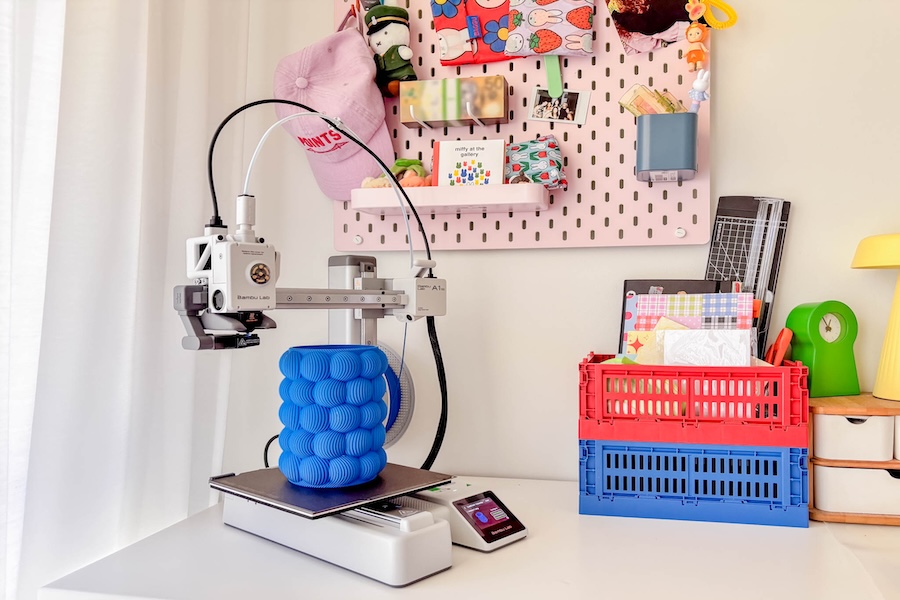
“For how solid and intricate this design is, I was amazed at how quickly it took shape. In silent mode, the printer works at less than 48 decibels so you can let projects work day and night without hearing a thing. It has an up to 500mm per second print speed, which is super fast for such a small machine – it took around 10 hours to print this vase.”
What Julia Thinks of the Bambu Lab A1 Mini Printer
“I am obsessed with how it turned out and especially love the matte blue finish. I had so much fun styling this vase with the rest of my home decor and think it fits perfectly. I have already started my next 3D print and have a long list of designs saved for what might be my new favourite hobby.”
