


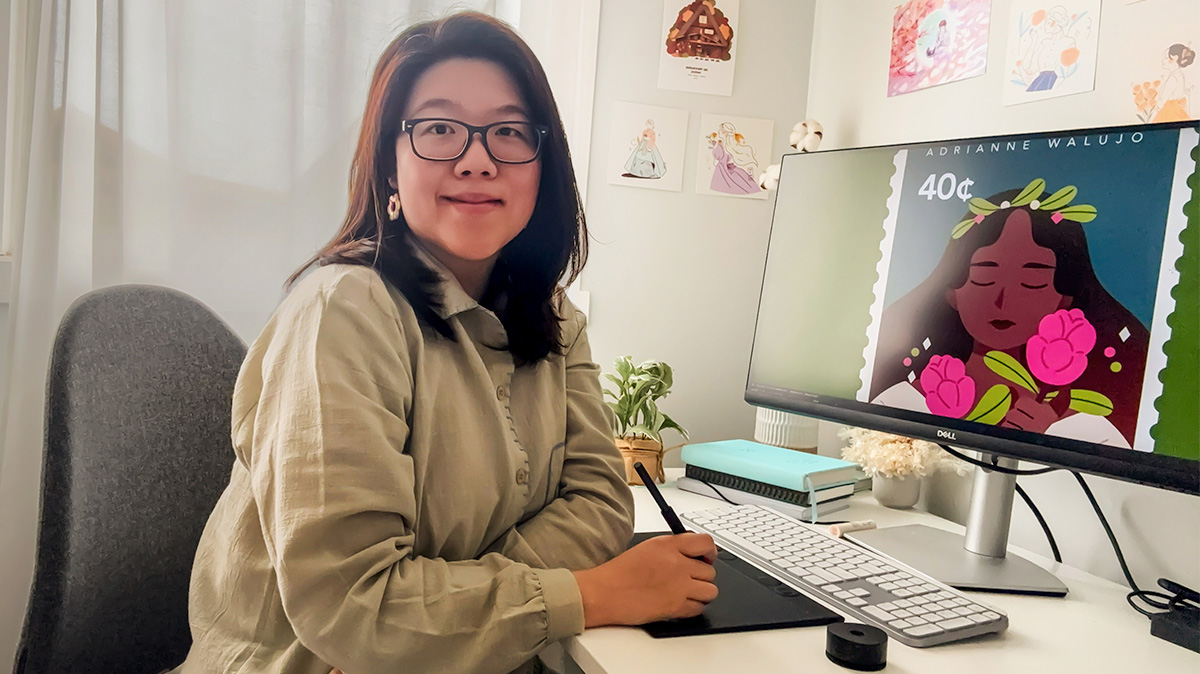
With seven years of experience in the graphic design industry under her belt, it’s safe to say Adrianne Walujo knows a thing or two about the tools of her creative trade. The Melbourne-based illustrator and designer brought her expertise and artistic passion to the table to review the latest Wacom Intuos Pro Medium tablet.
“I’m testing [it] to see how it can help me transform my sketches into digital artworks. I first used [a Wacom drawing tablet] back when I was studying animation at university, and it really helped me take my drawing more seriously,” says Adrianne.

Opening up the Wacom Intuos Pro…
“Inside the box, we have the Wacom Intuos Pro tablet. It’s only 4mm thick, ultra-light and slimline, yet feels very durable. I’m really impressed at how light and sleek it is. It looks modern and minimalist. I also love that the packaging is fully recyclable and avoids unnecessary plastic. Next, we have the Pro Pen 3, which comes with extra grips, replacement nibs and a handy pen stand, along with the USB-C to USB-A cable. Everything feels thoughtfully designed.”
Easy Setup and Connectivity Options
“Setting up the Wacom Intuos Pro is straightforward. You can plug it directly into your device with the USB cable or connect wirelessly via Bluetooth. When using Bluetooth, you can connect to two devices at the same time, which is great if you work across multiple devices or locations. The switch next to the power button makes swapping between devices seamless. For my workspace, I prefer using Bluetooth – it keeps my desk tidy while giving me flexibility to move between my laptop and desktop.”
SEE ALSO: My Tech Must-Haves with Katherine Sabbath

Smart Controls for a Smooth Workflow
“At the top of the tablet, there are 10 ExpressKeys and two mechanical dials for quick actions. The commands of the ExpressKeys can be customised to suit your workflow. For example, I use them for zooming, undoing, copying, pasting and other shortcuts that speed up my creative process.”
Powerful Stylus for Detailed Art
“The Pen Pro 3 is incredibly precise, with 8,192 levels of pressure – perfect for detailed digital art. It also supports tilt, responding naturally to the angle of the pen, with smooth, lag-free performance. The three side buttons are customisable for quick actions. The pen feels comfortable to hold, and I’m using the straight grip. Plus, there’s no need to charge it, which is super convenient.”
Perfect Size for Creating at Home or On The Go
“The tablet’s active area supports a 16:9 format, meaning it’s compatible with a range of screen sizes and gives me plenty of space to create without crowding my desk. It’s compact, lightweight at just 530 grams, and the 16-hour battery life* makes it easy to work on the go.”
SEE ALSO: Work From Anywhere: How to Create Your Ultimate Remote Work Setup

The Perfect Combo
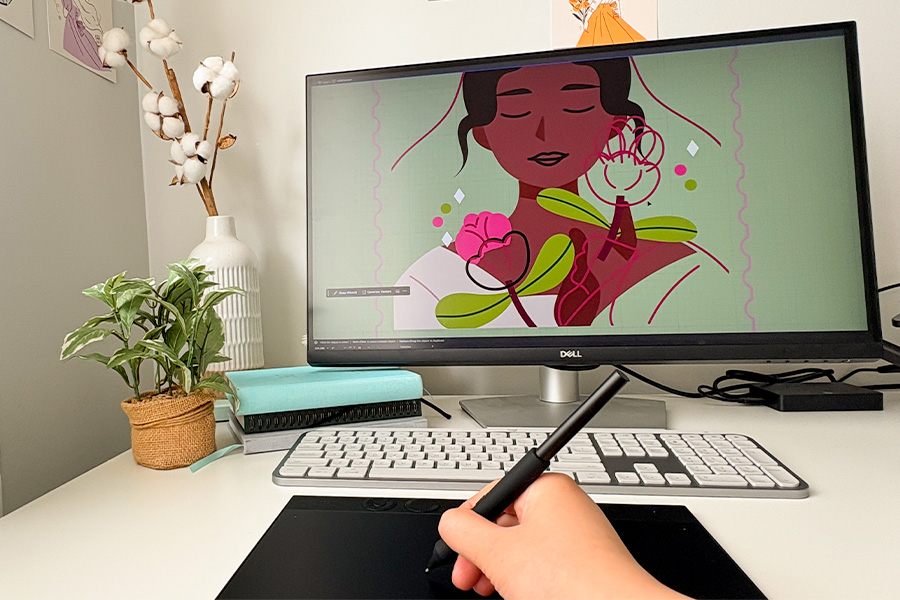
“Now for the exciting part: putting pen to digital paper! Today, I’m creating an artwork inspired by the pink protea flower. Since my style is minimalist, every stroke matters, and using the Intuos Pro allows me to maintain that handmade feel. The tablet and pen work seamlessly together, helping me maintain my creative flow. It feels very similar to drawing on paper, allowing me to sketch in digital form without losing the handcrafted quality.”

My Final Thoughts
“This 2025 version is a great update to the Intuos range, combining precision, comfort and portability. I’d highly recommend it to illustrators and designers who are looking to develop their skills, whether you’re just starting to pursue digital art or as a great addition to your current professional practice.”
*Battery life/runtime may vary and is dependent on various factors including loaded applications, configuration, features, usage, network and settings. Battery run times quoted are typically results of benchmark testing by brands.
