


Kelsie Gaffey knows a thing or two about dynamic working. At the age of 26, she’s running two small businesses in Melbourne, a bar called Gracie’s Wine Room and a coworking space called Gracie’s Space, and maintains a thriving social media presence. From admin mornings and afternoon meetings to evenings on the floor, no two days are ever the same for Kelsie.
Wonder how she does it? Kelsie takes us through a day in the life of running her businesses and shows us how the Microsoft Surface Pro helps her to manage her schedule, adapt to different workflows and supercharge her productivity.
Get Work Done on the Go With Microsoft Surface Pro
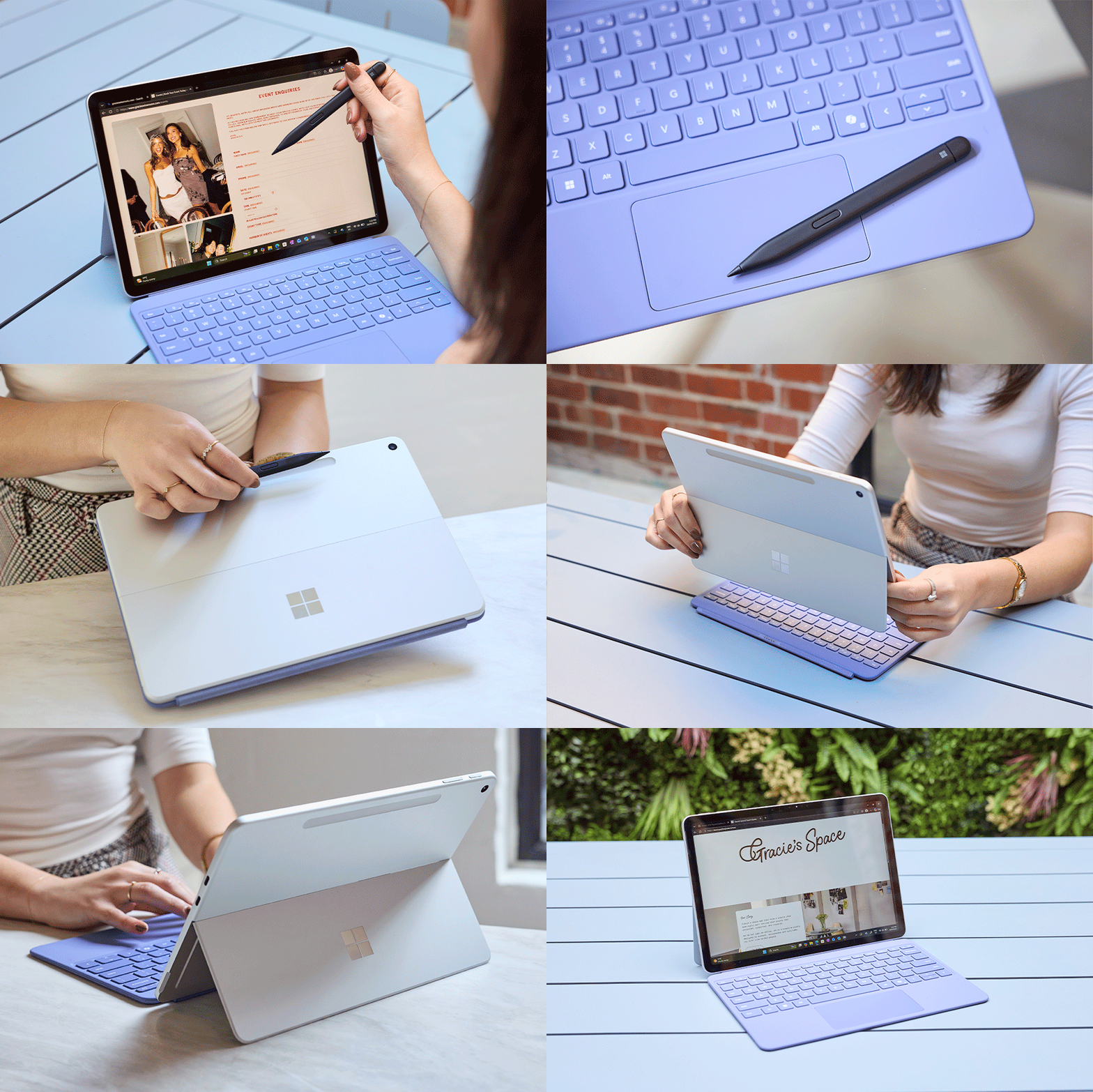
“After grabbing my morning hot chocolate, I head into Gracie’s Space to do some admin. The admin never stops when you’re running a business and my days are really varied. I’m often working from different locations – my couch, the bar, the car – and the Microsoft Surface Pro Copilot + PC, a two-in-one laptop and tablet with a touch-screen design, makes this so much easier. Having the ability to work as a laptop and a tablet allows me to move between tasks seamlessly, whether it’s writing emails or reviewing a new menu for the bar.
“Using accessories like the matching Surface Pro keyboard in violet and the Slim Pen 2 allows me to type, write, edit and draw on the go. The Surface Pro and accessories are all available at Officeworks so I was able to get my mobile office up and running in no time at all.”

Multitasking in the AM
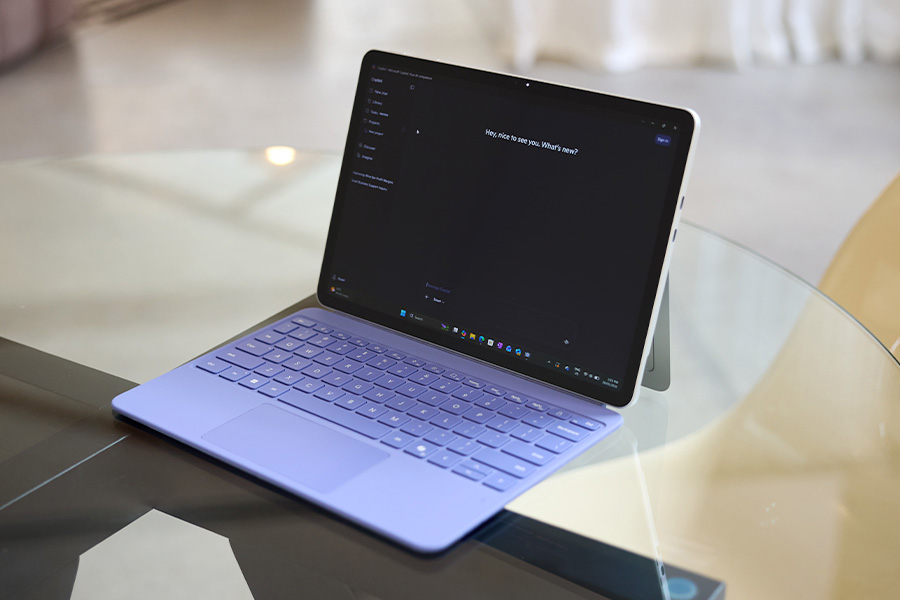
“Juggling two businesses, I’ve had to look for shortcuts to my workflow and I found using AI as an assistant really helps. Pro tip from me for any business owners out there: use AI to help with event planning. I ask [Microsoft’s AI assistant] Copilot to create a meta prompt [to optimise my instructions], so I can then copy and paste it back in and brainstorm different concepts, including themes and music for an upcoming event that I want to host at Gracie’s.”
Optimise Your Time with Microsoft Copilot
“I like to maximise every moment of my day, so I’ve discovered a great productivity hack. I use the voice chat function in Copilot at lunch and ask it to help me pull together a few descriptions for some new wines that I’m also adding to the menu.
“Responding to emails is a big part of my day, and I’m always looking for ways to make it easier, so the Copilot feature on the Surface Pro is my favourite new productivity hack. It allows me to set up email templates and reply to messages, freeing up more time for other tasks.”
How the Microsoft Surface Adapts to Your Day
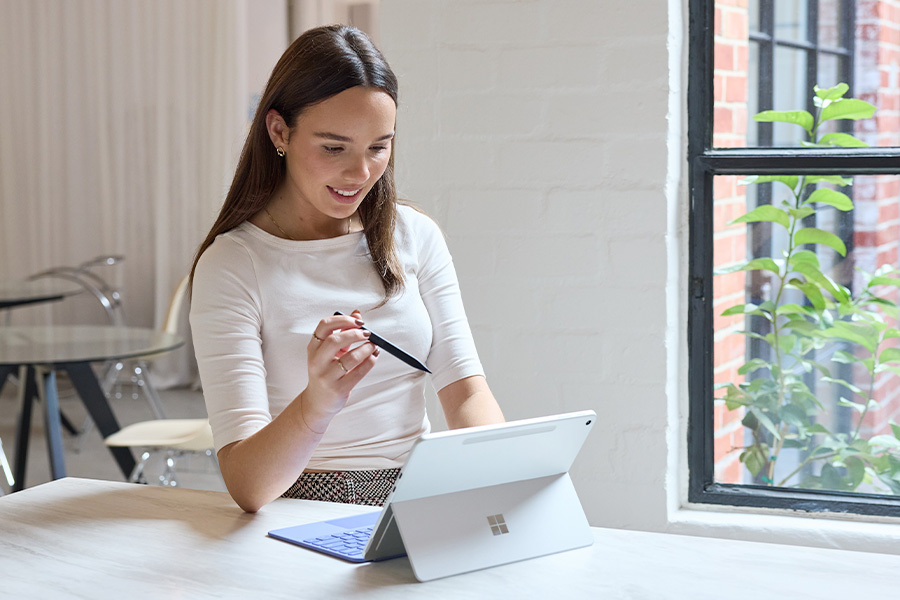
“I need to review some new marketing collateral for my business at the moment, so I switched to using the Surface Pro as a tablet to make it easier to mark up any edits. The built-in kickstand makes it easy to go from laptop to tablet mode, plus there’s a special slot to store the Slim Pen so I don’t lose it and can keep it charged.”
Stay on Track With a Long-Lasting Battery
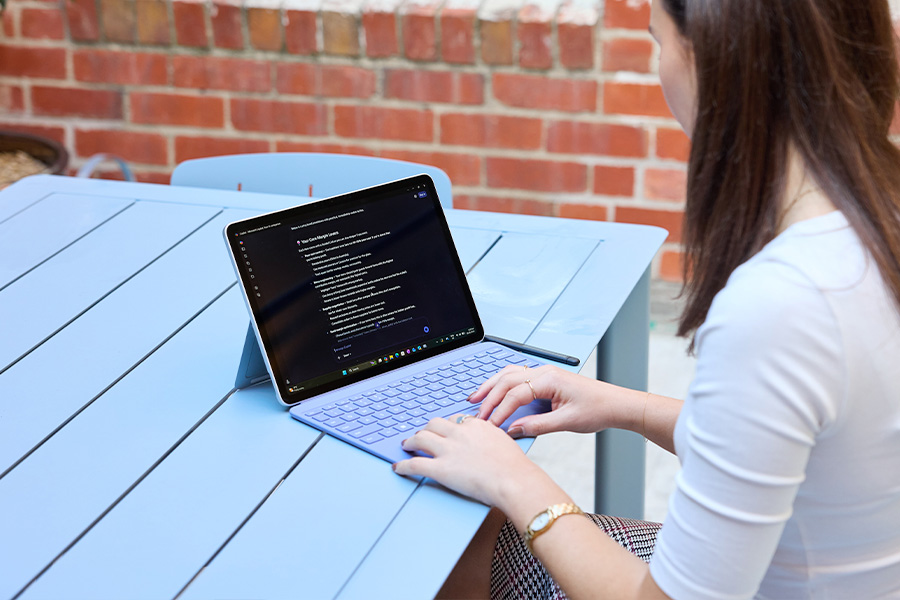
“It’s now time to head to Gracie’s Wine Room. Running two businesses, I’m rarely home and I’m always on the move. The battery* on the Surface Pro is still going strong, which saves me having to run around trying to find a power point to work at the bar.”
Capturing Content and Meeting Notes in the PM
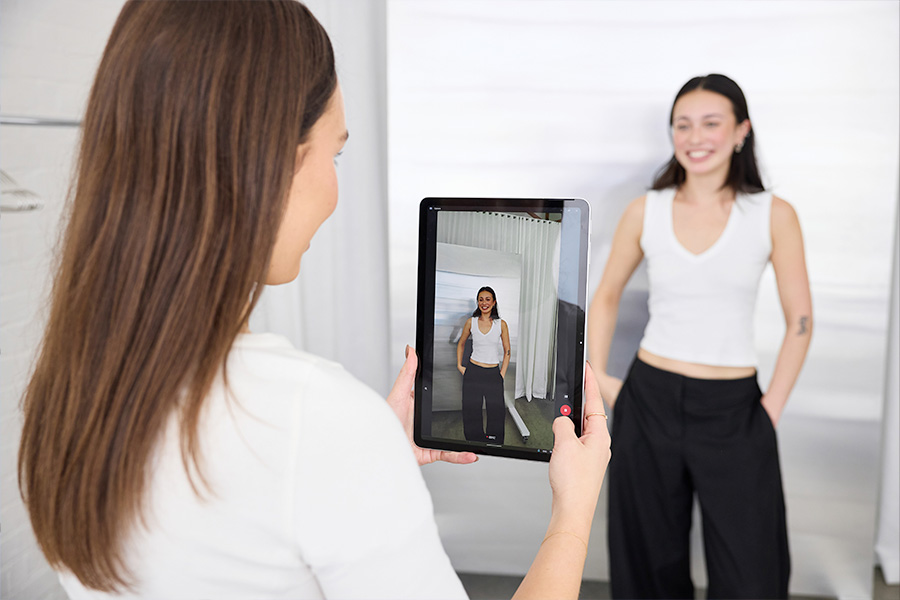
“Time to capture some content for a few upcoming social posts. I switched to tablet mode to take a few videos plus a few stills that I can schedule over the next week. We have a quick staff meeting before service starts and I asked Copilot to record the meeting for me and draft a summary so I can send around the action points to everyone later.”

Logging Off in the Evening
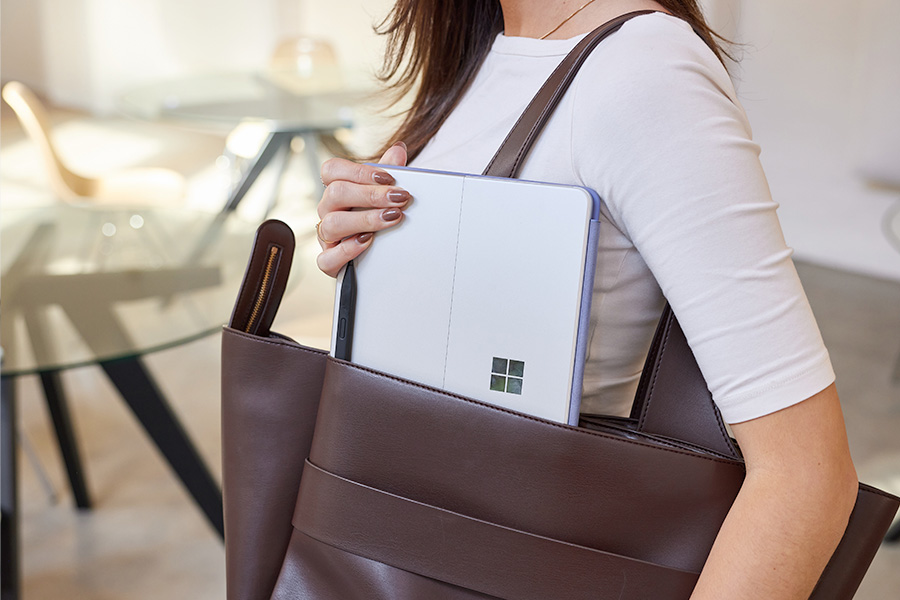
“It’s been such a hectic day and it’s time to head home. I quickly add some things to my to-do list before I pack up and get ready to do it all again tomorrow. I have one last question for Copilot though: ‘What should I cook for dinner tonight?’”
What to Try
- Surface Pro Copilot+ PC 12" X Plus 16GB/256GB Platinum
- Microsoft Surface Pro 12-inch Keyboard Violet
- Microsoft Surface Slim Pen 2 Black
- Surface Pro Copilot+ PC 12" X Plus 16/512GB Slim Pen Bundle
*Battery life/runtime may vary and is dependent on various factors including loaded applications, configuration, features, usage, network and settings. Battery run times quoted are typically results of benchmark testing by brands.
