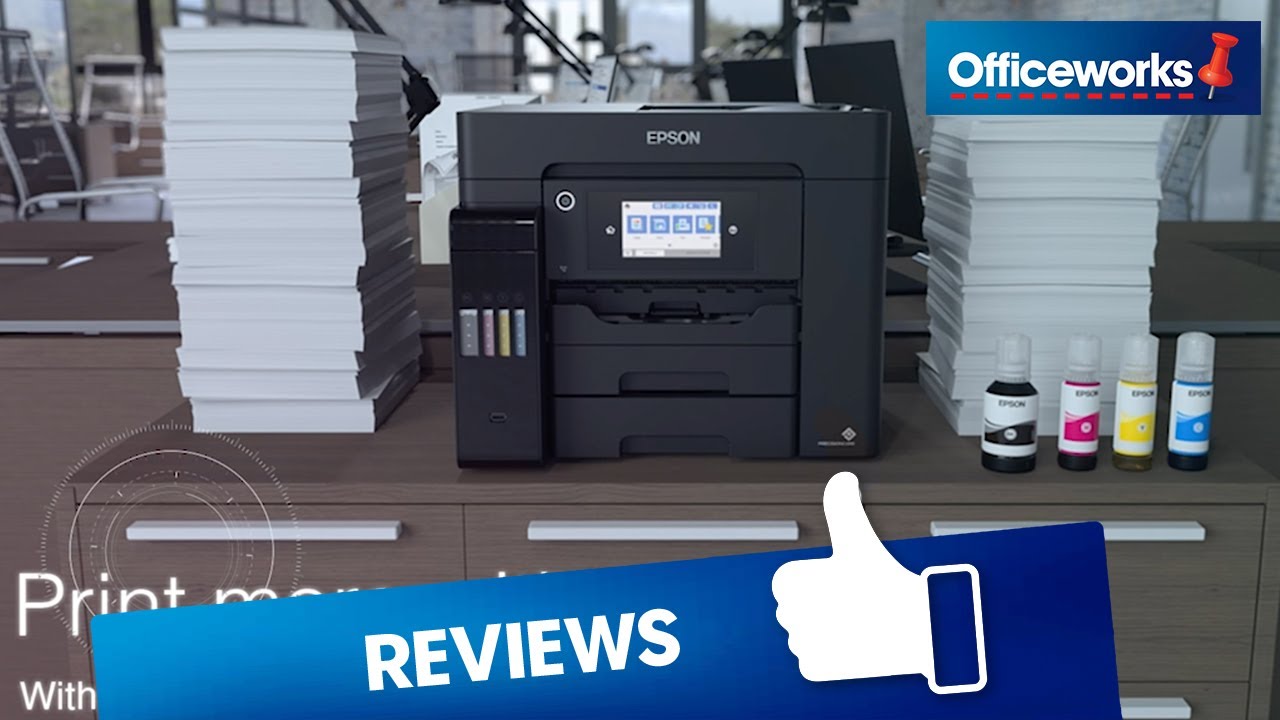
This Epson EcoTank Pro Colour MFC ET-5800 Printer allows you to scan, fax, copy, and print documents efficiently and without ink cartridges, thanks to its large, refillable ink tank. With print speeds of up to 25 pages per minute, an autofeed scanner and auto-duplexing for two-sided printing, you can save time on your everday tasks.

- With this printer, you can print, copy, fax, and scan documents.
- The printer can print black-and-white at speeds of up to 25 pages per minute.
- It has a maximum print resolution of 4800 x 2400 dpi.
- This printer includes enough ink to print up to 4,500 pages in black and 2,800 pages in colour.
- With auto 2-sided printing, you can save paper and time.
- You can scan pages efficiently with the 50-sheet-capacity automatic document feeder.
- It can print wirelessly via AirPrint, Mobile print, or through a wired connection.
- You can print through your smartphone with the Epson Smart Panel app.
- This printer allows for borderless printing for up to A4 sized photos and documents.
- The printer has a black exterior.
- 12 months of standard return to base warranty, with the option to extend*
- This printer uses Epson T542 Ink Bottles.
- Ink bottles included.
Epson EcoTank – the easy fill ink tank system
‌
How to Choose a Printer
‌
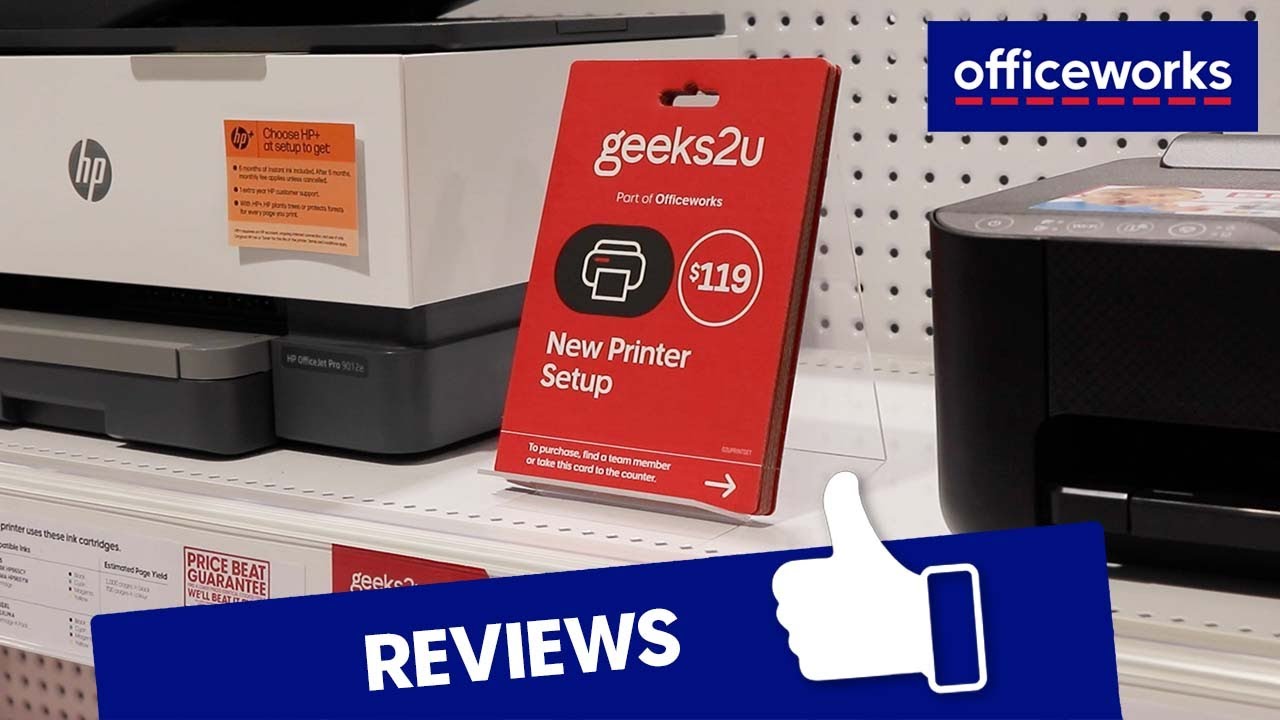
Geeks2U New Printer Setup with Officeworks
‌

*Register for additional 12 months warranty online here.
Yields based on the ISO/IEC 24712 pattern with Epson's methodology. Actual ink yields will vary considerably for reasons including images printed, print settings, temperature and humidity. Yields may be lower when printing infrequently or predominantly with one ink colour. All ink colours are used for printing and printer maintenance, and all colours must be available for printing.
**In some print cycles, a very small amount of surplus ink may be collected in the borderless printing ink pad. To prevent ink leakage from the pad, the product is designed to stop borderless printing when the pad has reached its limit. Whether and how often this is required will vary according to the number of pages you print using the borderless print option. The need for replacement of the pad does not mean that your printer has ceased to operate in accordance with its specifications. The printer will advise you when the pad requires replacing and this can only be performed by an authorised Epson Service provider. The Epson warranty does not cover the cost of this replacement.
Product Disclaimer: Officeworks cares greatly about the safety of our customers and makes every effort to ensure that the images, descriptions and formulations of each product we sell are accurate and up to date. However, product formulas can change and there may be slight delays in updating the information online. If you have particular concerns about the materials or ingredients used in this product, please read the label carefully on the product or contact the manufacturer for the most up to date information.