

Premium Brochures
You'll be able to customise more options like paper type and quality once you start designing.
From$89.00Per packView detailed pricing
Available on a 150gsm or 350gsm gloss paper, our Premium Brochures demand attention. Choose from a C or Half Fold to best tailor the brochures to fit the exact specifications that best refelcts your business.
Features
Perfect for any business, restaurant and more.
These premium brochures are printed double sided.
Available in A4 size, and can be Half Folded (Creased Only) or C Folded (Creased Only) to suit your needs.
They can be printed on either 150gsm or 350gsm gloss paper.
Create using a variety of templates at no additional cost.
Available in packs from 25, all the way up to 5000.
What brochure fold is right for me?


What brochure fold is right for me?
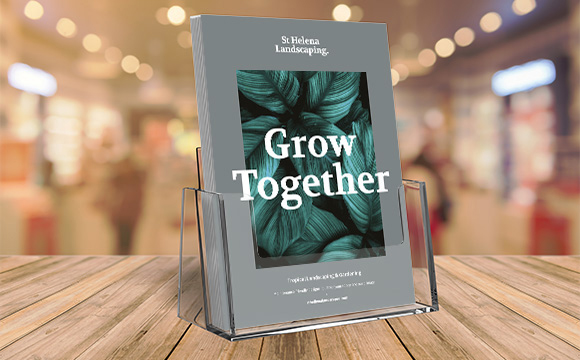
Why do I need a brochure?
Keep your customers informed and improve your brand visibility with one simple tool! Brochures, combined with a solid distribution strategy, are a great asset for your marketing strategy.

Design with Canva
Officeworks helps you bring your designs to life with Canva. It's free, easy to use, and you can print your designs in-store.


Bleed size
This area will be cut off when your product is cut to size. Your design should extend all the way to the bleed size to ensure no unwanted white edges when the print is cut to size.

Trim size
This is the final size your print will be trimmed to when the excess bleed is removed and is the size you select when creating your product.

Safe margin size
This is to ensure you don't end up with text or important image content right on the edge of your print. Aim to keep important images and text inside the dotted safe area box.

Printable Area
The below dimensions represent the printable area of your Brochures:
A4 Half Fold 430mm x 307mm

File Types
For best printing results, save your design as a PDF.Maximum file size is 250mb.

Resolution
Set the resolution of your design to 300dpi before you start designing. This way your print will be clear and sharp.

Colour Mode
Our print machines are specifically made to print using the CMYK colour mode. Make sure your design is in CMYK for best results.